
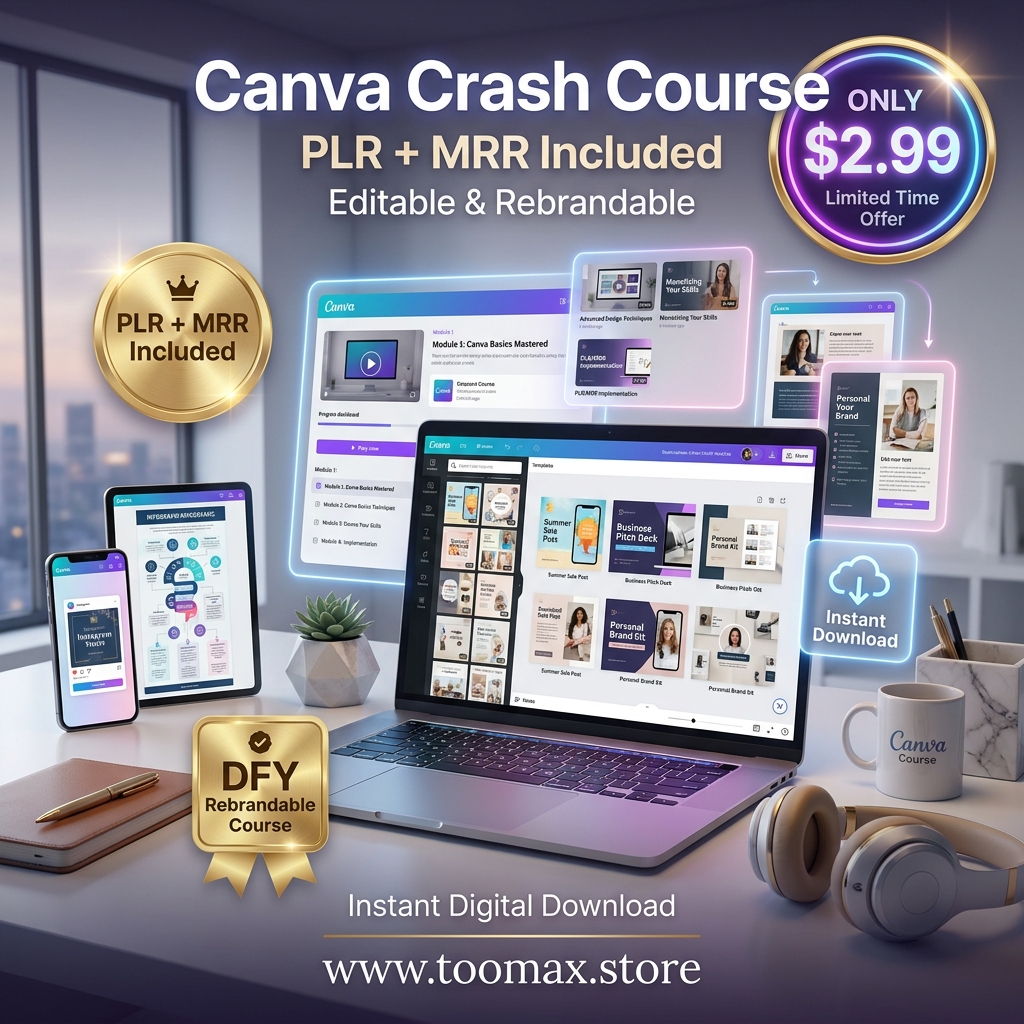

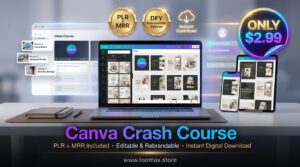
The Only Canva Crash Course with MRR You’ll Ever Need
Learning Canva shouldn’t take months — and monetizing that knowledge shouldn’t take years. This Canva Crash Course with MRR gives you a professionally structured, fully editable design education in a single instant download, complete with Master Resell Rights so you can start earning from it the moment you open it.
Whether you’re a complete beginner picking up Canva for the first time, a business owner building your brand visuals, or a digital reseller looking for a done-for-you course to add to your product catalog — this Canva Crash Course with MRR was built for exactly that purpose.
Why This Canva Crash Course with MRR Stands Above the Rest
Most Canva tutorials are scattered across YouTube with no structure, no monetization rights, and no way to make your investment back. This course changes that equation entirely.
With this Canva Crash Course with MRR, you get:
- ✅ A structured, step-by-step curriculum — not random tips
- ✅ Master Resell Rights — resell as your own and keep every dollar
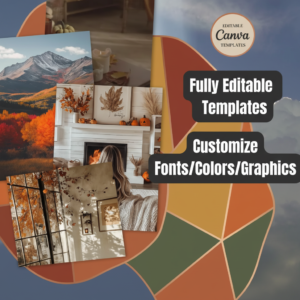
- ✅ Fully editable in Canva — customize the brand, colors, and content
- ✅ Video tutorials included — not just text, actual guided walkthroughs
- ✅ Instant digital download — no waiting, no shipping, no delays
What’s Inside the Canva Crash Course with MRR
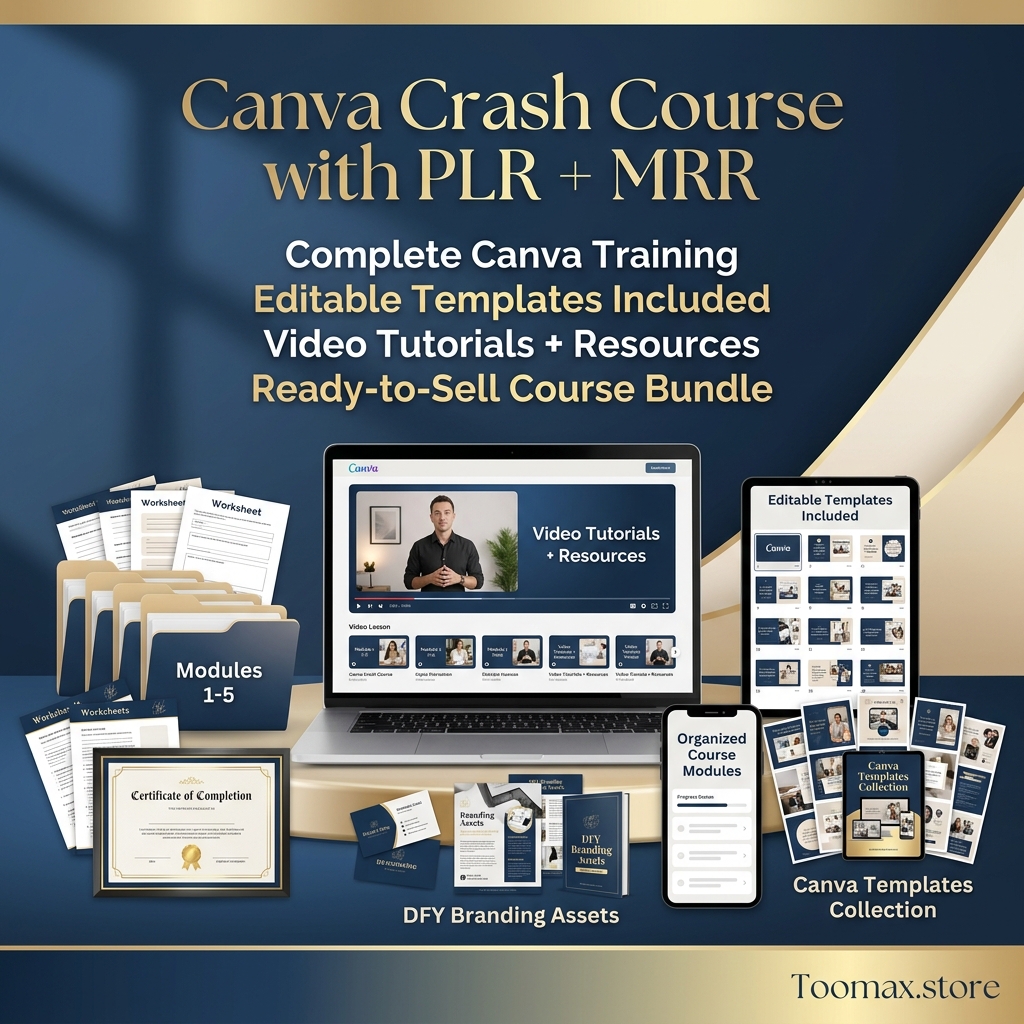
📄 37-Page Course Template (8.5 x 11 inches)
A complete, professionally designed course workbook covering Canva fundamentals through advanced design techniques. Every page is formatted for clarity, visual consistency, and beginner-friendly readability — making this Canva Crash Course with MRR equally effective as a learning tool and a sellable product.
🎬 6 Step-by-Step Video Tutorials
Not everyone learns from reading alone. The included video tutorials walk you through the most essential Canva features — from the basics of the editor to creating professional-grade designs — so every concept clicks the first time.
Topics Covered Include:
- Canva workspace navigation and setup
- Typography, color palettes, and brand kits
- Creating social media graphics and presentations
- Using Canva’s element and photo libraries
- Exporting files for print and digital use
- Building templates others can use
🎨 10 Editable Cover Designs
Ten professional cover layouts are included, giving you ready-made starting points for rebranding this course under your own name — or using the designs as inspiration for other digital products you create.
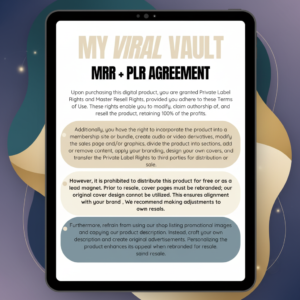
🔓 Master Resell Rights (MRR) License
The most valuable component of this package. With full MRR, you can:
- Resell this Canva Crash Course with MRR under your own brand
- Keep 100% of every sale — no royalties, no revenue sharing
- Bundle it with other digital products to increase order value
- Use it as a lead magnet to grow your email list
- Offer it as a bonus inside a paid course or membership
Who Is This Canva Crash Course with MRR For?
| Audience | What They Gain |
| 🎨 Beginner Designers | A structured path from zero to confident Canva user |
| 💼 Entrepreneurs & Business Owners | Professional design skills without hiring a designer |
| 🛍️ Digital Product Resellers | A polished, ready-to-sell course with full MRR |
| 🧑💻 Freelancers & Creatives | A sellable service deliverable or client resource |
| 📦 Course Creators & Coaches | A done-for-you bonus product or lead generation tool |
| 🏪 Hostbas & Etsy Sellers | A proven digital product to add to their shop today |
How to Get Started in 4 Simple Steps
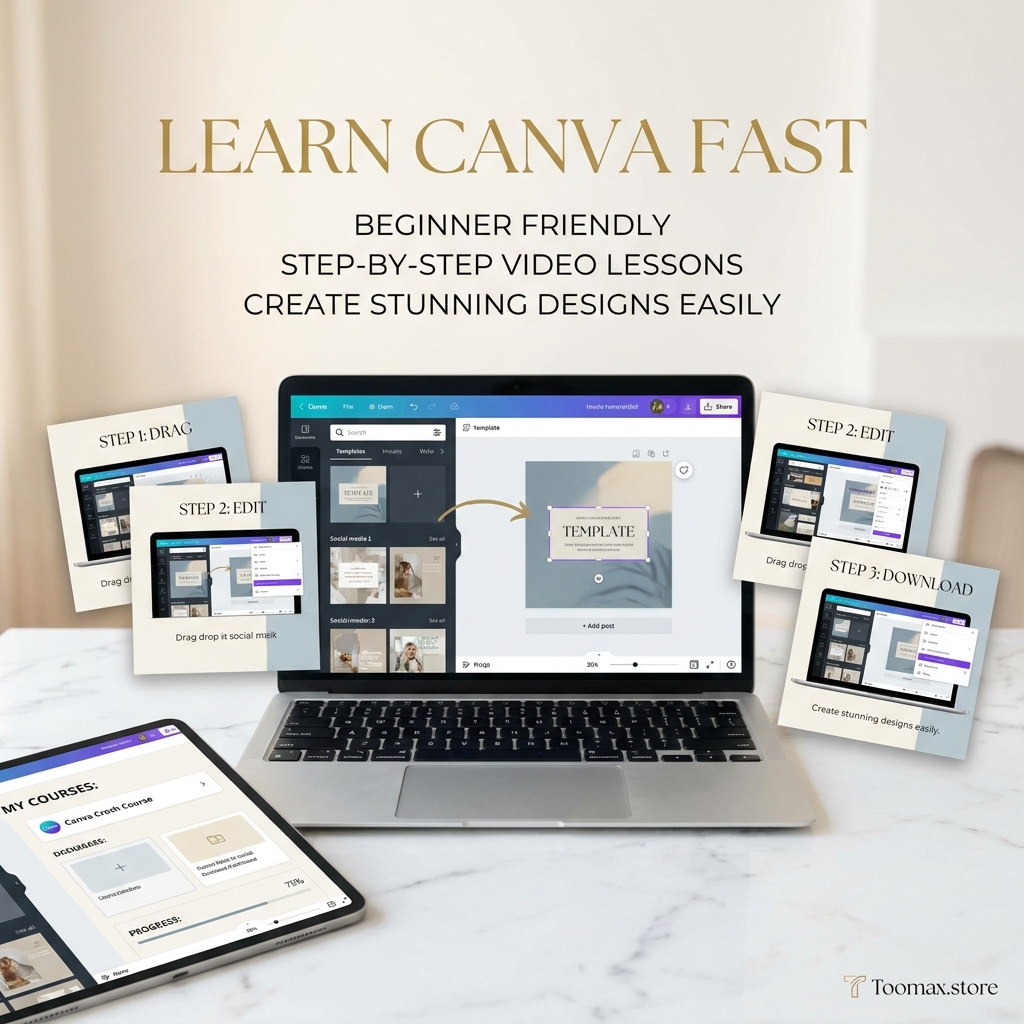
Step 1 — Purchase & Download Instantly Complete your purchase and receive immediate access to your PDF download — no waiting, no technical barriers.
Step 2 — Import to Canva Follow the included instructions to import your template directly into Canva. A free Canva account is all you need — no paid subscription required.
Step 3 — Customize & Rebrand Edit text, fonts, colors, photos, and elements to match your brand identity. Swap covers using the 10 included layout options. Make this Canva Crash Course with MRR entirely your own in under an hour.
Step 4 — Sell, Share, or Learn Use the course to develop your own Canva skills, deliver it to clients as a resource, or list it immediately on Etsy, Gumroad, Hostbas, Shopify, or Fiverr as a digital product under your brand.
What You Can Edit Inside This Canva Crash Course with MRR
Every element of this template is fully customizable:
- ✏️ Text & Copy — Rewrite any section to match your voice or niche
- 🖋️ Fonts & Typography — Apply your brand’s font system throughout
- 🎨 Colors & Backgrounds — Match your exact brand palette
- 🖼️ Photos & Elements — Swap any image or graphic with Canva’s free library
- 📑 Cover Designs — Choose from 10 layouts or design your own from scratch
- 🎬 Video Content — Use tutorials as-is or supplement with your own recordings
Canva Crash Course with MRR vs. Alternatives
| Option | Cost | Time to Launch | Resell Rights | Customizable |
| Build your own Canva course | High (time + design) | Weeks to months | ✅ Yes | ✅ Yes |
| Buy a generic Canva eBook | Low | Instant | ❌ No | ⚠️ Limited |
| Hire a course designer | $500–$2,000+ | 4–8 weeks | ✅ Yes | ✅ Yes |
| This Canva Crash Course with MRR | One-time low cost | Under 1 hour | ✅ Full MRR | ✅ Fully editable |
Frequently Asked Questions
Do I need a paid Canva account to use this course? No. This Canva Crash Course with MRR is fully compatible with Canva’s free plan. If any premium elements appear, they can easily be replaced with free alternatives from Canva’s library.
Can I resell this course under my own brand? Yes. Master Resell Rights are included, allowing you to rebrand and resell this course as your own product on any platform, keeping 100% of your revenue.
Can I redistribute the MRR rights to my customers? No. MRR allows you to resell the finished course product, but redistribution of the resell rights themselves to your buyers is not permitted under the license terms.
What format will I receive after purchase? You will receive a PDF with instructions for importing your editable Canva template, along with access to the 6 video tutorials and 10 editable cover designs.
Is this suitable for complete beginners? Absolutely. This Canva Crash Course with MRR was designed with beginners in mind — clear language, step-by-step structure, and video support ensure that anyone can follow along regardless of prior design experience.
Are refunds available? Due to the digital nature of this product, all sales are final. If you experience any technical issues accessing your files, support is available to resolve them promptly.
One Purchase. Three Ways to Profit.
📚 Path 1 — Learn Work through this Canva Crash Course with MRR at your own pace and develop the Canva skills that will save you hundreds of dollars in design costs every year.
💼 Path 2 — Deliver Use the course as a client resource, workshop material, or onboarding guide for your design or marketing services.
💰 Path 3 — Resell List this Canva Crash Course with MRR on Etsy, Gumroad, Hostbas, or Shopify under your own brand. Every sale is 100% profit — no royalties, no restrictions.
MRR License Summary — Know Exactly What You Can Do
✅ Permitted:
- Resell the course as a finished digital product under your own brand
- Edit, customize, and rebrand all content and visual elements
- Bundle with other digital products for increased value
- Use as a lead magnet or bonus in paid offers
- Keep 100% of all revenue generated
❌ Not Permitted:
- Reselling or transferring the MRR license itself to buyers
- Claiming legal affiliation with Canva.com
- Requesting refunds or exchanges after download
Your Design Business Starts the Moment You Download
You don’t need to build a course from scratch. You don’t need to hire a designer. You don’t need months of content creation.
This Canva Crash Course with MRR is already built, already designed, and already proven — all it needs is your name on the cover.
👉 Download now, rebrand in under an hour, and make your first sale today.




















 No products in the cart.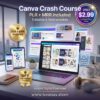
Reviews
There are no reviews yet.